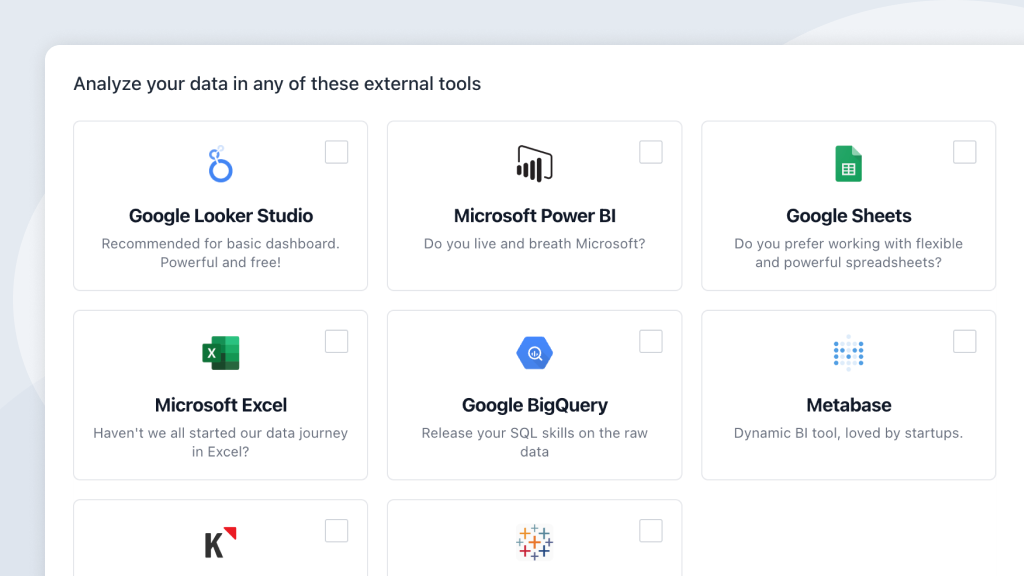
Access the data from your connected data sources with any BI-tool of your choice.
You subscription includes free fair usage/queries. Extreme usage will be billed extra.
Before you start! Enhanza comes with a powerful and built-in Insight Builder and Data Organizer. They meet most needs for reporting and analysis. Share reports with your team and customers. Need help to get started? Book a free onboarding.
It depends. It can be useful to ask yourself the following questions. In a hurry, read the summary.
Which environment do you work in daily
Most companies use either Microsoft or Google for their daily operations. Let that weigh heavily in your decision.
What do you want to achieve?
(Pivot) tables and/or dashboards?
Do you (only) want to extract data to work with it “manually”? Then Google Sheets is our first choice and Microsoft Excel second. Why? Because Google Sheet is 100% cloud based and easy to connect. It’s light-weighted, easy to use and completely free. ☁️
Who will use the reports?
Just you, a closed team, or the entire organization? Maybe shared with customers or even shown publicly?
Google Looker Studio and Sheets are as easy to share as any file in Google Drive. Microsoft Power BI can on the other hand be implemented in Teams and Sharepoint.
How do you want to publish it?
On a regular screen, mobile, or a large TV screen on the wall?
Most BI-tools work well on any screen.
What are you willing to pay?
There are fantastic tools that are completely free. But do they meet your needs?
Google’s tools are completely free and very powerful. Microsoft Power BI is affordable if you don’t have many viewers. Klipfolio has become quite expensive, in our opinion.